
Download Driver Armor – Driver Update Tool, System Optimization, PC Maintenance
Overview
Driver Armor is a mobile application designed to simplify the complex task of maintaining up-to-date computer drivers. The app targets users who seek to enhance their system's performance, stability, and compatibility by ensuring all hardware drivers are current. It addresses a common pain point in PC maintenance: the time-consuming and error-prone process of manually identifying, downloading, and installing driver updates. By automating this workflow, Driver Armor aims to reduce technical barriers and improve overall system reliability.
While the app is positioned as a tool for both novice and experienced users, its interface is explicitly described as intuitive, allowing individuals without deep technical knowledge to manage driver updates confidently. Real-world use cases include troubleshooting system crashes, resolving hardware recognition issues, and restoring functionality after accidental driver deletion. In the broader app ecosystem, Driver Armor fills a niche for utility-focused tools that support long-term device health and performance optimization.
The developer did not provide additional technical details about their background or company history. Compatibility information was not fully disclosed, and specific requirements were not listed. Despite this, the app’s focus on automation and user accessibility suggests it is intended for users seeking a streamlined solution to a recurring technical challenge.
Key Features & Functionality
- User-Friendly Interface: The app features a clean, well-structured layout that simplifies navigation. Users can access scanning and updating tools without needing prior technical expertise. This design ensures that even first-time users can perform tasks like driver identification and update initiation with minimal confusion.
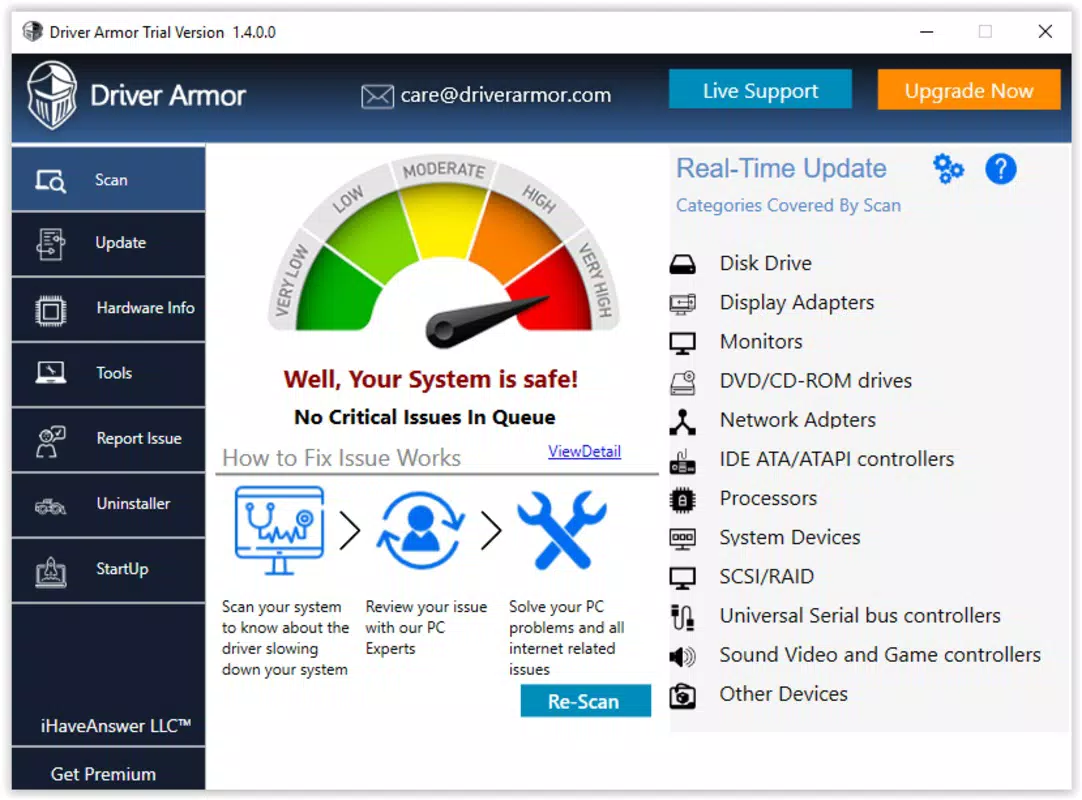
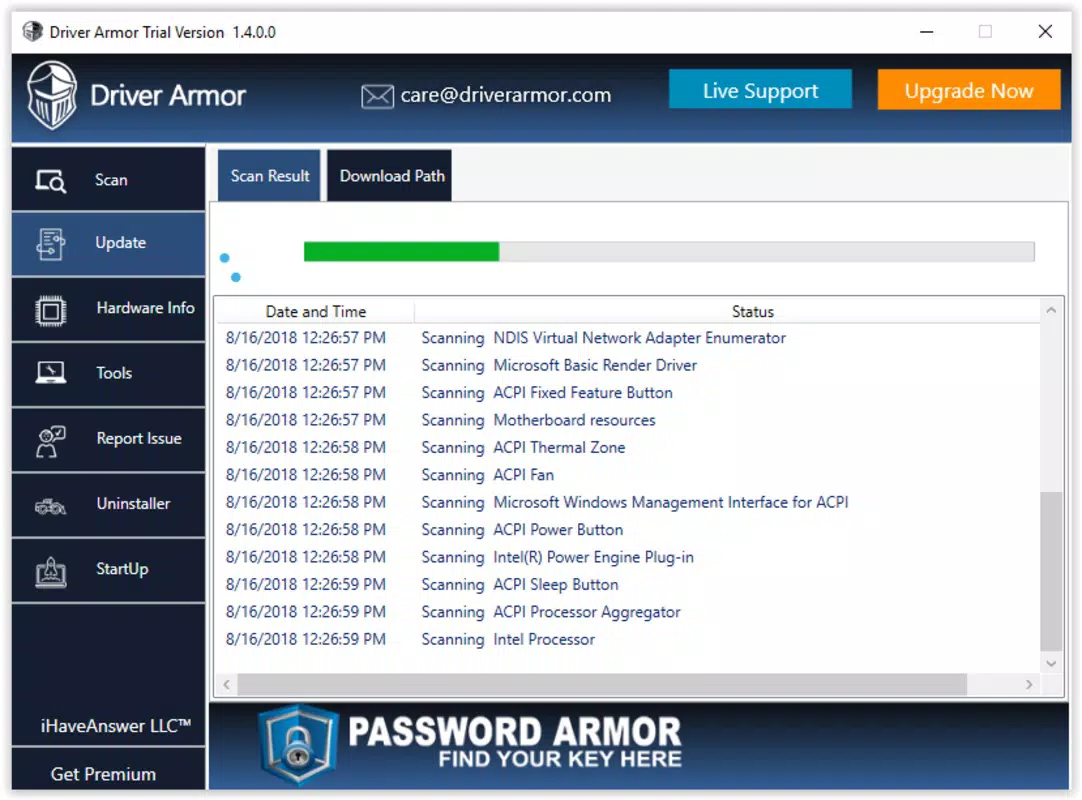
- Comprehensive Scanning: Driver Armor performs a full system scan to detect outdated, missing, or corrupted drivers across connected hardware. The results are presented in a clear, categorized list, allowing users to assess which components require attention. This transparency supports informed decision-making and helps prevent unnecessary updates.
- Automated Updates: After scanning, users can initiate updates with minimal input. The app handles the download and installation process automatically, reducing the risk of human error and saving significant time compared to manual methods.
- Enhanced System Performance: By ensuring drivers are current, the app helps minimize system errors, improve hardware responsiveness, and reduce the likelihood of crashes. This contributes to a smoother computing experience, especially on older or heavily used systems.
- Restoration of Deleted Drivers: A notable feature is the ability to recover drivers that have been accidentally removed. This functionality streamlines system recovery and prevents downtime caused by missing hardware support.
For example, a user experiencing a malfunctioning graphics card can use Driver Armor to scan, identify the outdated driver, and restore it with a few taps. Similarly, someone preparing a computer for a new software installation may use the app to ensure all drivers are compatible and up to date.
Interface, UX & Performance
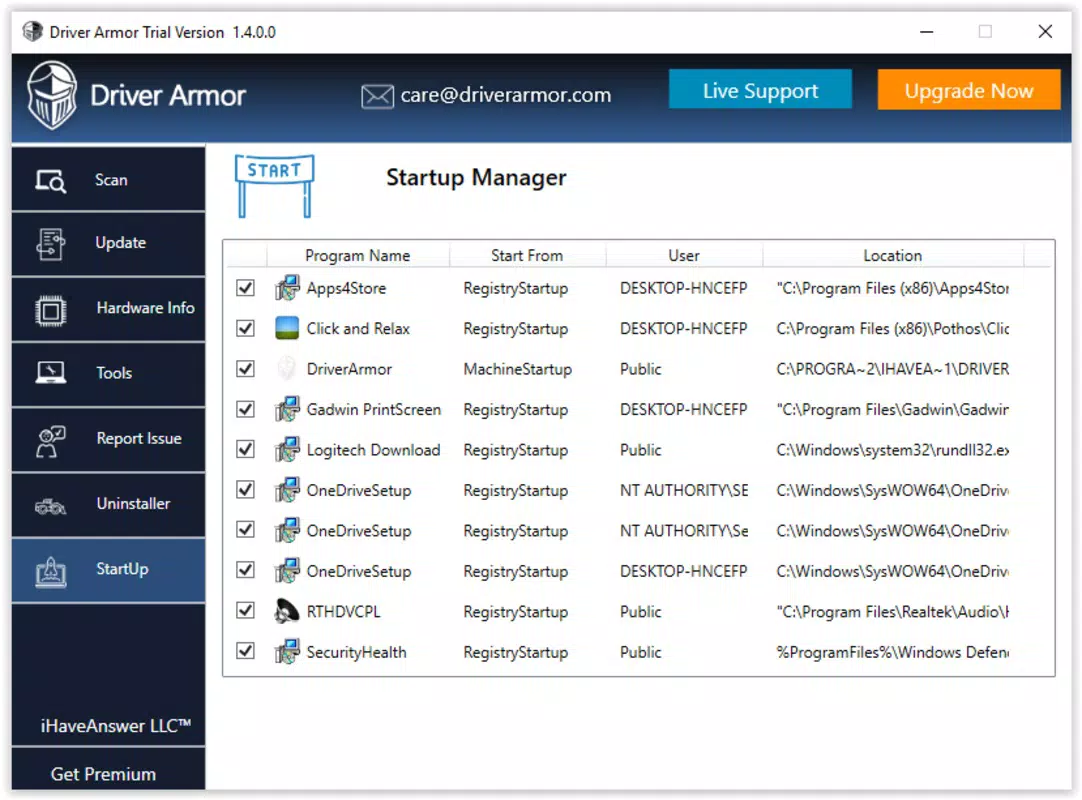
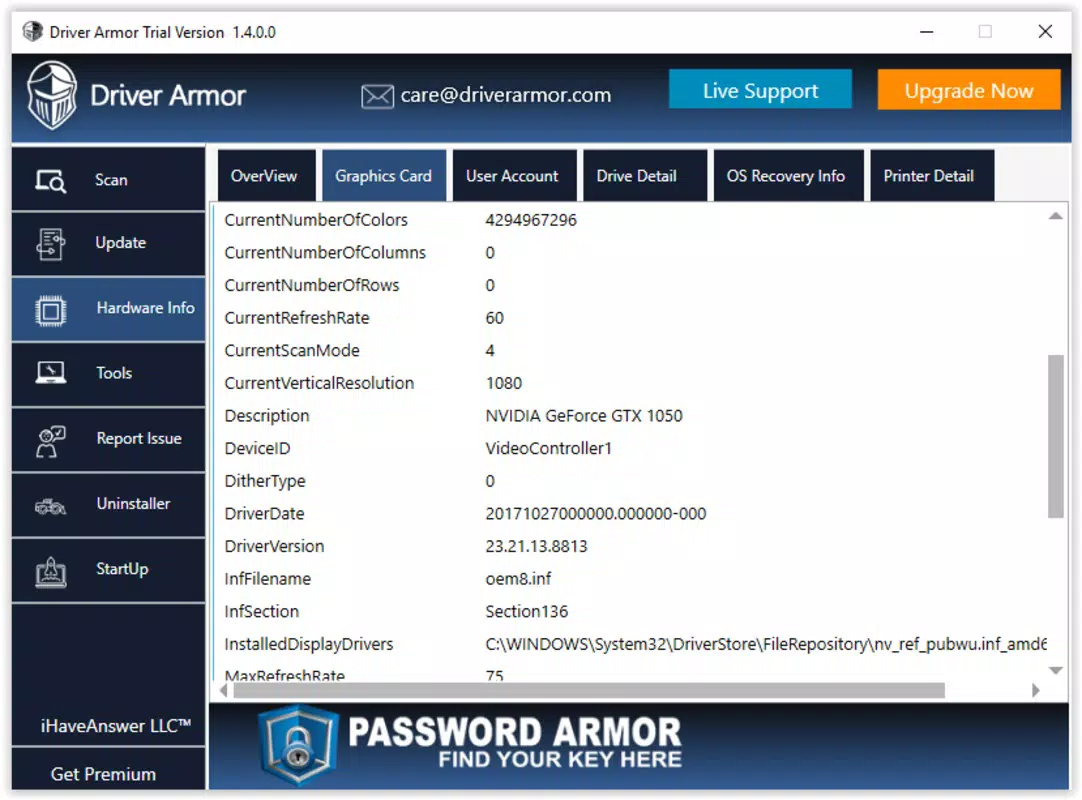
The user interface of Driver Armor is designed with accessibility in mind. It employs a straightforward layout with clearly labeled buttons and logical navigation paths. The visual style is minimalistic, focusing on functionality without unnecessary distractions. Users can expect a consistent experience across different screen sizes, although specific device compatibility was not disclosed.
Navigation is intuitive, with core functions—such as scanning, updating, and restoring—readily accessible from the main dashboard. The app’s responsiveness appears to be optimized for smooth operation, though the developer did not list formal performance metrics. Although the developer did not list formal performance metrics, the emphasis on automation suggests a focus on efficiency and low user friction.
Stability is implied through the app’s automation features, which aim to reduce manual errors. However, detailed information about crash rates, memory usage, or background behavior was not provided. Users should expect a stable experience if the app functions as described, but real-world performance may vary based on device configuration and system load.
Platform Compatibility & Technical Requirements
Driver Armor is available on Android and iOS platforms. The app’s current version is 2.5.1, with a file size of 12.3 MB. The developer did not specify minimum OS requirements, nor did they list compatibility details for specific device models or processor architectures.
Given the app’s size, it is likely optimized for modern smartphones and tablets with sufficient storage and processing power. However, users should verify device compatibility through official channels, as the developer did not provide a comprehensive list of supported systems. No additional technical specifications were disclosed.
Pros and Cons
Pros
- Intuitive interface suitable for non-technical users
- Automated scanning and driver updates reduce manual effort
- Supports recovery of deleted or missing drivers
- Designed to improve system performance and stability
- Compact file size for efficient installation
Cons
- Developer did not provide detailed system requirements
- No information on background processes or data usage
- Compatibility with older devices was not confirmed
- Limited transparency about update sources and security protocols
- Price and availability details were not fully disclosed
FAQ
Is Driver Armor safe to use on my device?
The app is designed to automate driver updates, but the developer did not disclose specific security measures or data handling practices. Users should ensure they download the app from official sources to minimize risks.
Can I update drivers without an internet connection?
Driver Armor requires an active internet connection to download updated drivers. Offline updates are not supported based on the app’s described functionality.
Does Driver Armor work on all Android and iOS devices?
Compatibility details were not provided. Users should check official sources for supported devices and operating system versions.
How often should I scan for driver updates?
Regular scanning is recommended, especially after system changes or hardware additions. The app’s automation features allow for periodic checks without significant user effort.
Is there a free version of Driver Armor available?
Price and licensing details were not disclosed. Users should refer to official app store listings for current pricing and subscription models.
Final Thoughts
Driver Armor presents a practical solution for users seeking to maintain their computer’s hardware performance through automated driver management. Its emphasis on simplicity, automation, and system recovery makes it a valuable tool for individuals who want to avoid the complexities of manual driver updates. While the lack of detailed technical disclosures limits full transparency, the app’s core functionality aligns with real-world needs for system optimization and troubleshooting.
It is particularly beneficial for users who manage multiple devices or lack technical expertise but still require reliable system performance. For those looking to streamline PC maintenance, Driver Armor offers a promising, accessible approach to driver management.
Download Driver Armor now


